How to Get Real-Time Kolkata Gold 18k (KOLK-18k) Prices Efficiently with Metals-API
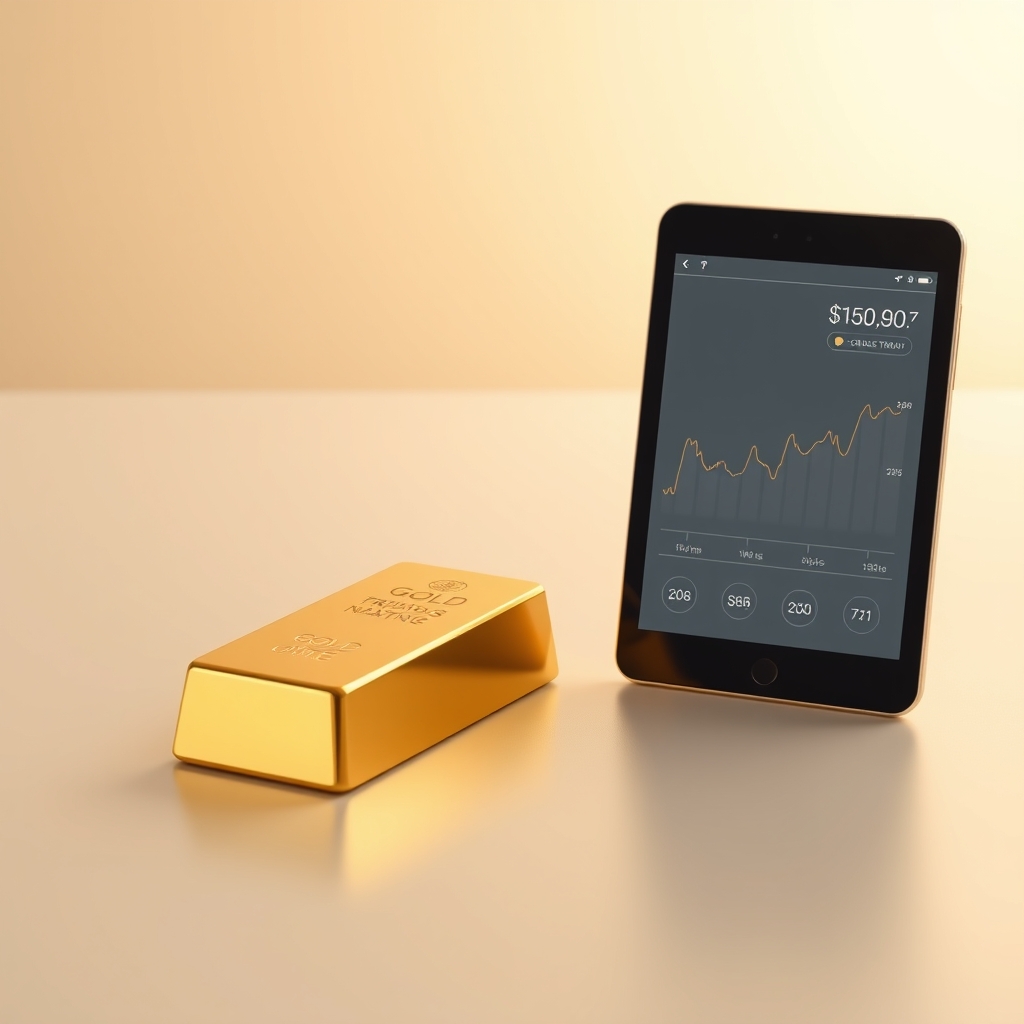
In today's fast-paced financial landscape, accessing real-time market data is crucial for making informed investment decisions. For those interested in the gold market, particularly the 18k gold prices in Kolkata (KOLK-18k), the Metals-API provides a robust solution for retrieving real-time data efficiently. This blog post will guide you through the process of accessing real-time gold prices using the Metals-API, detailing its capabilities, features, and practical applications.
Understanding Gold and Its Market Dynamics
Gold, represented by the symbol XAU, has long been a cornerstone of wealth preservation and investment. The digital transformation in precious metals trading has revolutionized how investors access and analyze market data. With the integration of data analytics and technology, traders can now gain insights into market trends, price fluctuations, and historical performance with unprecedented accuracy.
The Metals-API stands at the forefront of this transformation, offering developers the tools to build next-generation applications that leverage real-time metals data. By utilizing this API, you can access a wealth of information about gold prices, including the latest rates, historical data, and even fluctuations over time.
Getting Started with Metals-API
To begin using the Metals-API, you first need to sign up for an account on the Metals-API Website. Once registered, you will receive an API key, which is essential for authenticating your requests. This key must be included in the API base URL's access_key parameter to access the various endpoints.
Key Features of Metals-API
The Metals-API offers a variety of endpoints that cater to different needs, including:
- Latest Rates Endpoint: This endpoint provides real-time exchange rate data for various metals, updated based on your subscription plan. Depending on your plan, you can receive updates every 60 minutes or even every 10 minutes.
- Historical Rates Endpoint: Access historical rates dating back to 2019 by appending a specific date to your request. This feature is invaluable for analyzing trends over time.
- Bid and Ask Endpoint: Retrieve real-time bid and ask prices for metals, allowing traders to make informed decisions based on current market conditions.
- Convert Endpoint: This endpoint enables you to convert amounts between different metals or to/from USD, facilitating easy calculations for traders.
- Time-Series Endpoint: Query daily historical rates between two dates of your choice, providing insights into price movements over time.
- Fluctuation Endpoint: Track how metal prices fluctuate on a day-to-day basis, helping you understand market volatility.
- Carat Endpoint: Retrieve gold rates by carat, which is particularly useful for jewelers and consumers interested in specific gold purity levels.
- Lowest/Highest Price Endpoint: Get the lowest and highest prices for a specified date, allowing for quick assessments of market performance.
- Open/High/Low/Close (OHLC) Price Endpoint: Access detailed OHLC data for a specific time period, essential for technical analysis.
- Historical LME Endpoint: Access historical rates for LME symbols dating back to 2008, providing a comprehensive view of market trends.
- News Endpoint: Retrieve the latest news articles related to various metals, keeping you informed about market developments.
Accessing Real-Time Gold Prices
To access real-time gold prices using the Metals-API, you will primarily utilize the Latest Rates Endpoint. Here’s how to do it:
Step 1: Make a Request
Using your API key, construct a request to the Latest Rates Endpoint. The base URL for the request will look like this:
https://metals-api.com/api/latest?access_key=YOUR_API_KEY&base=USD&symbols=XAUReplace YOUR_API_KEY with your actual API key. This request will return the latest gold prices in USD.
Step 2: Understanding the Response
The response from the API will be in JSON format, providing you with the latest exchange rates. Here’s an example response:
{
"success": true,
"timestamp": 1766016596,
"base": "USD",
"date": "2025-12-18",
"rates": {
"XAU": 0.000482
},
"unit": "per troy ounce"
}
In this response:
- success: Indicates whether the request was successful.
- timestamp: The time at which the data was retrieved.
- base: The base currency for the exchange rate (USD in this case).
- date: The date of the exchange rate.
- rates: An object containing the exchange rates for the requested symbols.
- unit: The unit of measurement for the rates (per troy ounce).
Step 3: Using Historical Data
To analyze trends, you can access historical data using the Historical Rates Endpoint. Construct your request like this:
https://metals-api.com/api/historical?access_key=YOUR_API_KEY&date=2025-12-17&symbols=XAUThis request will return the gold price for the specified date. Here’s an example response:
{
"success": true,
"timestamp": 1765930196,
"base": "USD",
"date": "2025-12-17",
"rates": {
"XAU": 0.000485
},
"unit": "per troy ounce"
}
Step 4: Analyzing Price Fluctuations
To track fluctuations in gold prices, use the Fluctuation Endpoint. Your request will look like this:
https://metals-api.com/api/fluctuation?access_key=YOUR_API_KEY&start_date=2025-12-11&end_date=2025-12-18&base=USD&symbols=XAUThe response will provide details about how the price of gold changed over the specified period:
{
"success": true,
"fluctuation": true,
"start_date": "2025-12-11",
"end_date": "2025-12-18",
"base": "USD",
"rates": {
"XAU": {
"start_rate": 0.000485,
"end_rate": 0.000482,
"change": -3.0e-6,
"change_pct": -0.62
}
},
"unit": "per troy ounce"
}
In this response, you can see the starting and ending rates, the change in price, and the percentage change, which are critical for understanding market dynamics.
Advanced Use Cases and Integration Strategies
The Metals-API is not just about retrieving data; it also empowers developers to create sophisticated applications that can analyze and visualize market trends. Here are some advanced use cases:
1. Building a Trading Dashboard
Developers can create a trading dashboard that integrates real-time gold prices, historical data, and news updates. By using the Latest Rates, Historical Rates, and News Endpoints, you can provide users with a comprehensive view of the market.
2. Automated Trading Systems
Utilizing the Bid and Ask Endpoint, developers can build automated trading systems that execute trades based on predefined criteria. This allows for quick reactions to market changes, enhancing trading efficiency.
3. Data Analytics and Reporting
By leveraging the Time-Series and OHLC endpoints, you can create detailed reports that analyze price movements over time. This data can be invaluable for investors looking to make informed decisions based on historical performance.
Performance Optimization and Security Considerations
When integrating the Metals-API into your applications, it’s essential to consider performance optimization and security best practices:
1. Rate Limiting and Quota Management
Be aware of your API usage limits based on your subscription plan. Implement caching strategies to reduce the number of API calls, especially for frequently accessed data.
2. Error Handling and Recovery
Implement robust error handling to manage API response errors gracefully. This includes retry logic for transient errors and user notifications for critical failures.
3. Data Validation and Sanitization
Always validate and sanitize user inputs when making API requests to prevent injection attacks and ensure data integrity.
Conclusion
Accessing real-time Kolkata gold 18k prices efficiently is made possible through the Metals-API. By following the steps outlined in this blog post, you can leverage the API's capabilities to build powerful applications that provide valuable insights into the gold market. Whether you are a developer looking to create a trading platform or an investor seeking to analyze market trends, the Metals-API offers the tools you need to succeed.
For more information on how to use the API, refer to the Metals-API Documentation. To explore the full range of supported symbols, visit the Metals-API Supported Symbols page. Start harnessing the power of real-time metals data today!